How to Use AI in Photoshop for Creative Generative Art
By Ruby PhamDigital Marketing & Growth Strategy Lead, Pixel Commerce Studio
December 18, 2025
Dive into the world of generative art with Adobe Photoshop. Learn how to use AI to create new images from text prompts and experiment with different styles and effects.

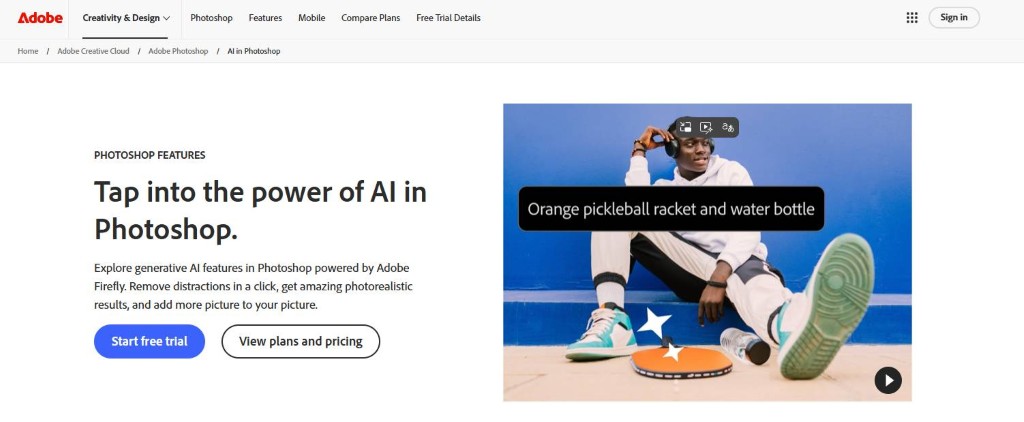
AI: Your New Creative Partner in Photoshop
Learning how to use AI in Photoshop isn't just about editing existing images; it's also about creating entirely new ones. Adobe's generative AI, powered by Firefly, allows you to turn your ideas into visual art simply by typing a text description. Consequently, this technology acts as a new creative partner, helping you brainstorm ideas and bring concepts to life in a way that was previously unimaginable. Furthermore, it opens the door to a new genre of art for both professional artists and casual creators.

First and foremost, the Text to Image feature is your starting point for generative art. You can begin with a blank canvas, then type a detailed text prompt describing the image you want to create. For example, you could type "a futuristic cityscape at sunset in the style of an oil painting." The AI will then generate several variations of the image for you to choose from. In addition, you can use a reference image to guide the AI towards a specific style or composition.

Next, you can use Generative Fill to add new elements to an existing image, transforming it into something completely different. For instance, you could take a photo of a forest and use Generative Fill to add "a mystical glowing tree" or "a hidden ancient temple." The AI will generate the new object and integrate it seamlessly into the scene, matching the lighting and perspective. Most importantly, this allows you to create fantastical and surreal composites that would be incredibly difficult to make from scratch.

Furthermore, you can use AI to experiment with different styles. With a single prompt, you can generate variations of your image in different artistic styles, such as watercolor, cyberpunk, or charcoal sketch. Moreover, this is a great way to explore different creative directions for a project without having to manually apply different filters and effects. Therefore, understanding how to use AI in Photoshop for style experimentation can save you a lot of time and help you discover new aesthetics.


Stay Ahead — Join the Pixel Insider List
Want more strategies on marketing, branding, technology, AI tools, or eCommerce growth?
Subscribe to get:


Like This Blog? Explore More from Pixel Commerce Studio
Dive into more insights across our most popular categories: