How to Use Apple AI for Enhanced Content Creation
By Mia PhamDigital Marketing & Growth Strategy Lead, Pixel Commerce Studio
December 12, 2025
Elevate your content with Apple AI. Learn how to use Apple's generative AI to create unique images, personalize your communications, and edit photos and videos effortlessly.

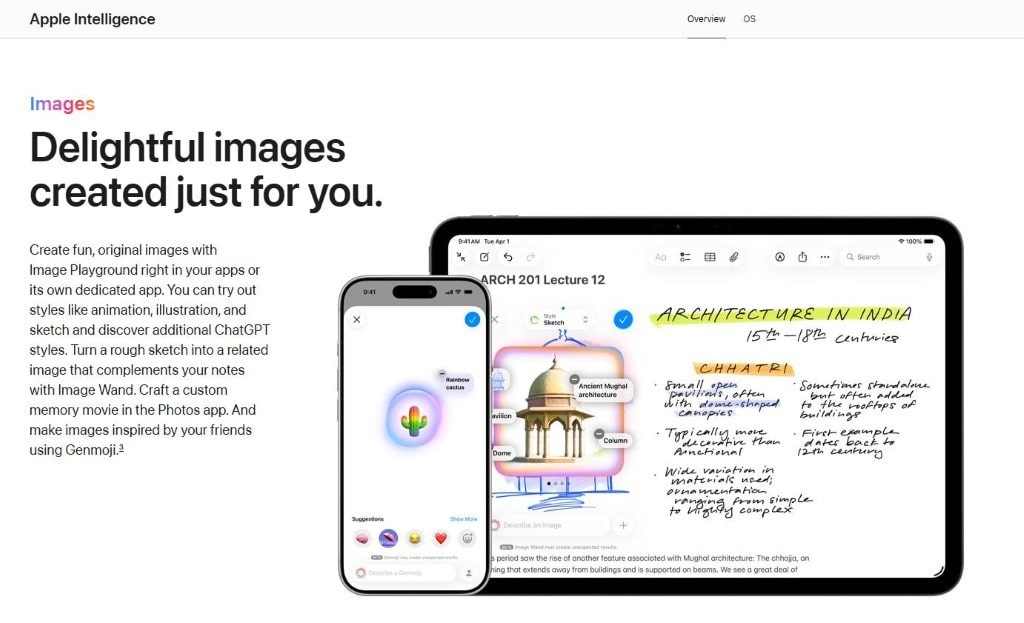
Creative Power: How to Use Apple AI for Content
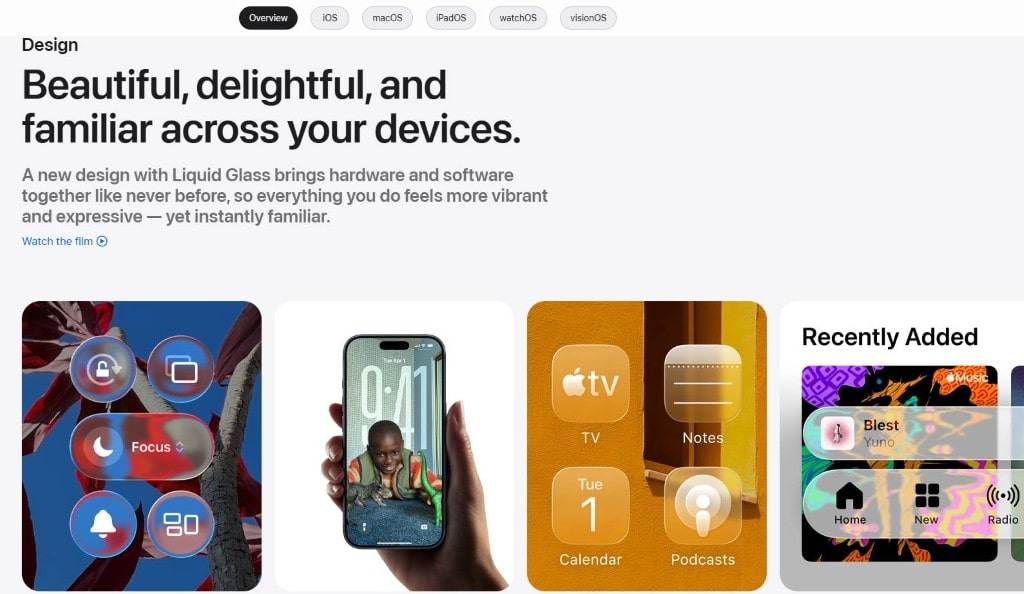
Learning how to use Apple AI unlocks a new level of creative potential for content creators. Apple has brought generative AI directly to its core apps, allowing you to create unique and engaging content right from your devices. Consequently, you no longer need to rely on third-party apps or complex software. Furthermore, these tools are integrated with your personal context, making your creations more relevant and personal than ever before.
First and foremost, the Image Playground feature is a powerful tool for visual creation. It allows you to generate unique images based on a description you type. For example, you can create a sketch, an animation, or an illustration in a specific style. You can access Image Playground directly in apps like Messages and Notes, making it easy to create visuals on the fly. In addition, you can use the Image Wand tool to transform a rough sketch in your notes into a polished image. Most importantly, this democratizes the creative process, making it accessible to everyone.
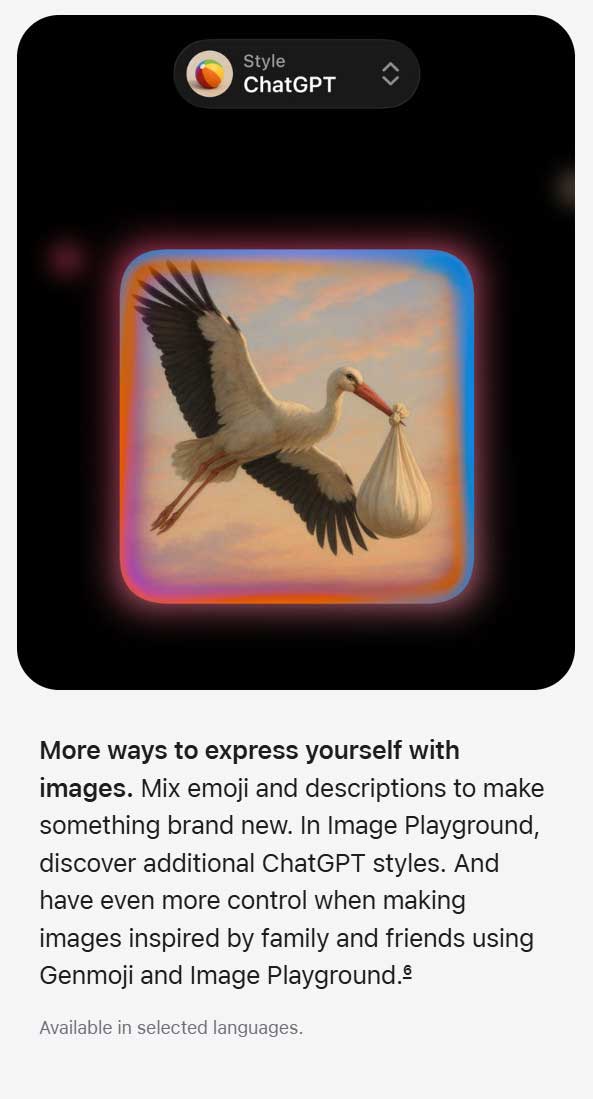
Next, Apple AI introduces Genmoji, a fun and expressive way to create new emoji. You can simply type a description, and the AI will generate a custom emoji for you. Consequently, this allows you to create unique visual expressions that perfectly match the tone of your messages. As a result, your communication becomes more personal and engaging.
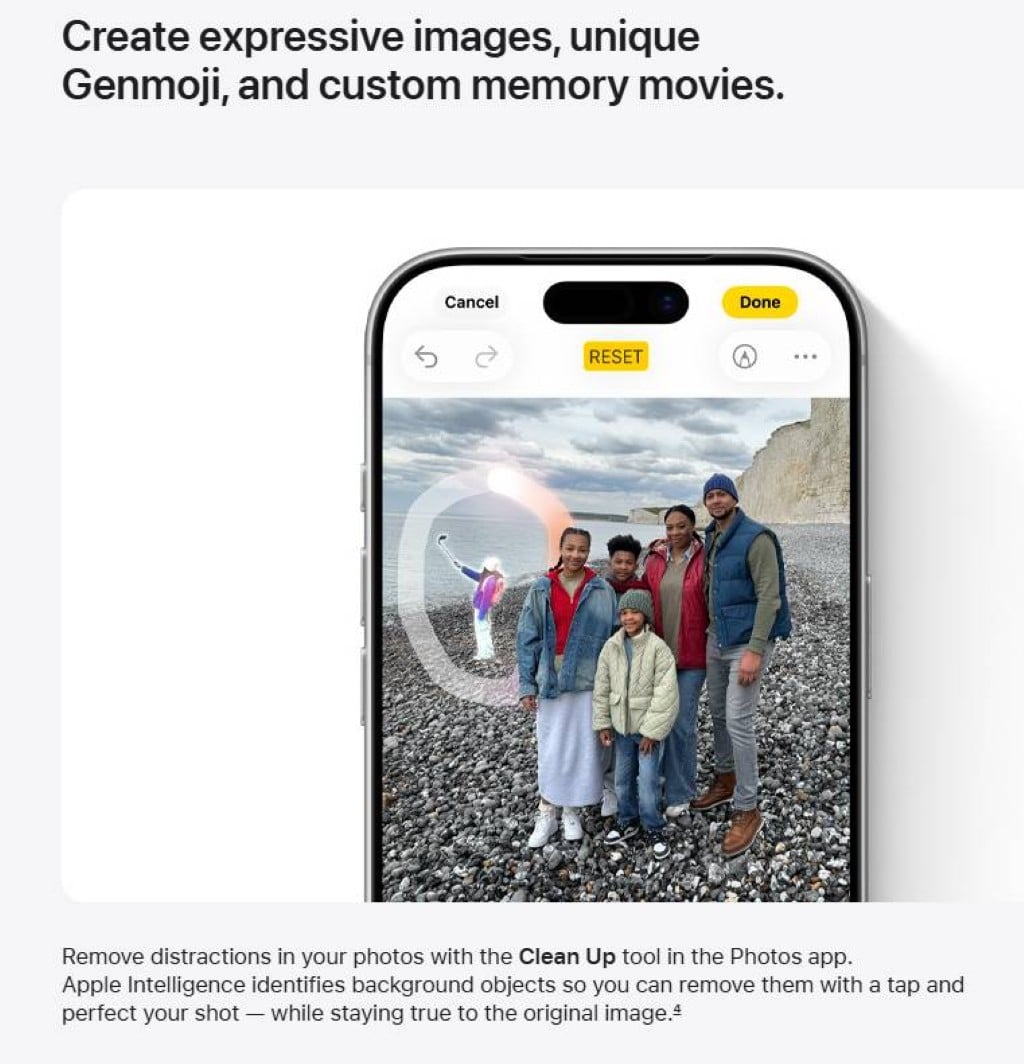
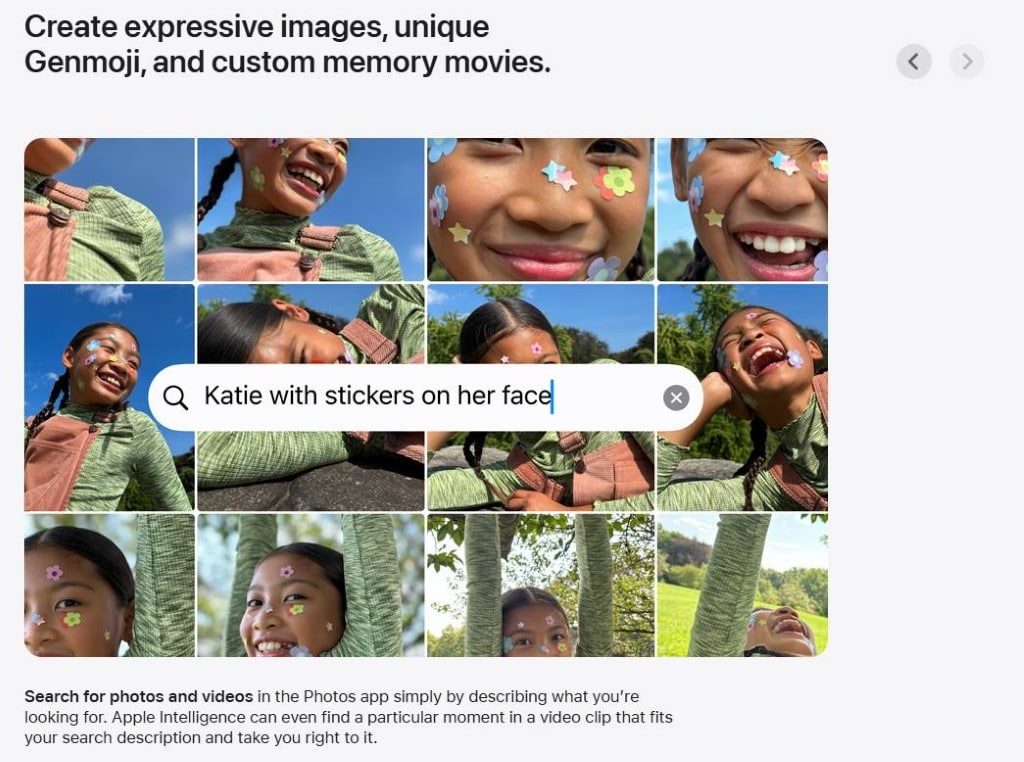
Moreover, the Photos app gets a major upgrade with AI features. The new Clean Up tool allows you to remove distracting objects from the background of your photos with just a tap or a brush stroke. Furthermore, the AI can create "Memory Movies" for you by generating a video based on a description you provide, complete with a narrative arc and a soundtrack. This takes the effort out of creating compelling video content from your photo library.
Finally, the deeper integration of Apple AI with your personal data makes it incredibly powerful. The system can search for specific moments within your videos, for example, "the dog running in the park," and take you directly to that clip. These features, therefore, show how to use Apple AI to not only create content but also to organize and manage it more intelligently.
Stay Ahead — Join the Pixel Insider List
Want more strategies on marketing, branding, technology, AI tools, or eCommerce growth?
Subscribe to get:


Like This Blog? Explore More from Pixel Commerce Studio
Dive into more insights across our most popular categories: