Best Free Photo Editing App in 2025: Top Picks for Everyone
By Lucas VuongDigital Marketing & Growth Strategy Lead, Pixel Commerce Studio
March 3, 2026
Discover the best free photo editing app in 2025. Compare features, pros, cons, and expert tips to choose the right free photo editor for your needs

Best Free Photo Editing App in 2025: Top Choices for Stunning Edits
Best free photo editing app searches are more popular than ever. People want powerful tools. However, they do not want to pay. Fortunately, free photo editing apps are now smarter, faster, and easier to use. In this guide, you will learn which apps truly stand out and why.
Moreover, this article helps beginners and creators alike. You will also discover tips, comparisons, and expert insights. As a result, choosing the right app becomes much easier.
What Is a Free Photo Editing App?
A free photo editing app is software that allows you to edit images without cost. These apps offer tools like cropping, color correction, filters, and effects. Although free, many provide professional-looking results.
In addition, they work on mobile devices, desktops, or both. Therefore, anyone can improve photos without advanced skills.
Key Features to Look for in the Best Free Photo Editing App
User-Friendly Interface
Firstly, ease of use matters. A clean interface saves time and reduces frustration. As a result, beginners can edit confidently from day one.
Editing Tools and Filters
Secondly, strong tools are essential. Look for brightness control, color balance, retouching, and filters. Moreover, advanced tools increase creative freedom.
Export Quality
Equally important, image quality should remain high. Some apps reduce resolution. Therefore, always check export options before choosing.
No Watermark or Heavy Limits
Finally, avoid apps that add watermarks. Likewise, editing limits can slow your workflow. The best free photo editing app should respect your content.
Best Free Photo Editing Apps You Can Use Today
1. Snapseed
Stay Ahead — Join the Pixel Insider List
Want more strategies on marketing, branding, technology, AI tools, or eCommerce growth?
Subscribe to get:
Snapseed offers professional-grade tools for free. It includes selective adjustments and advanced color control. However, it focuses mainly on mobile users.
- Pros: Powerful tools, no watermark
- Cons: Limited desktop support
- Best for: Mobile photographers
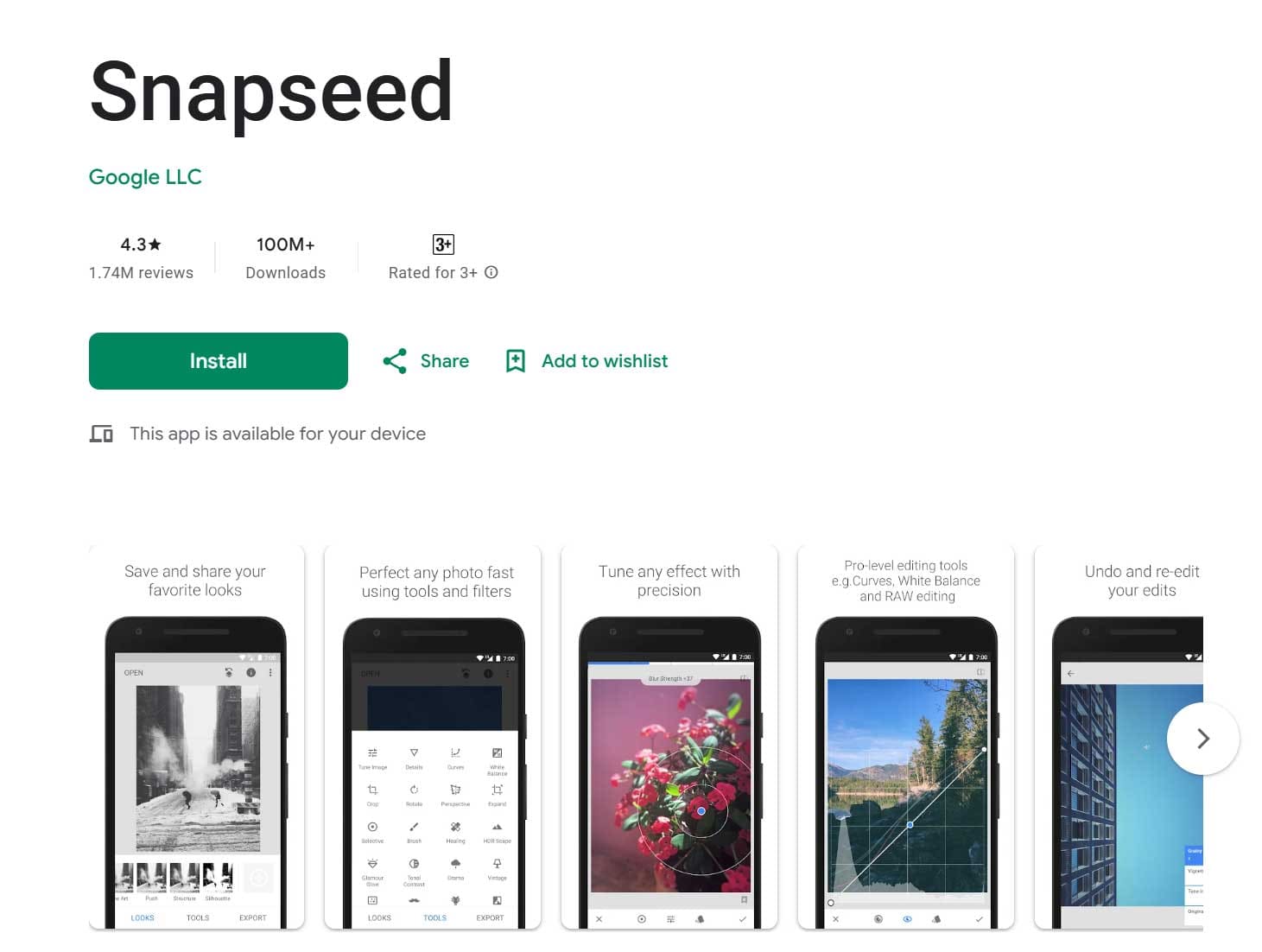
A preview of the Snapseed app on the Google Play Store, highlighting its advanced photo editing features, user interface, and high global popularity with over 100 million downloads.
2. GIMP
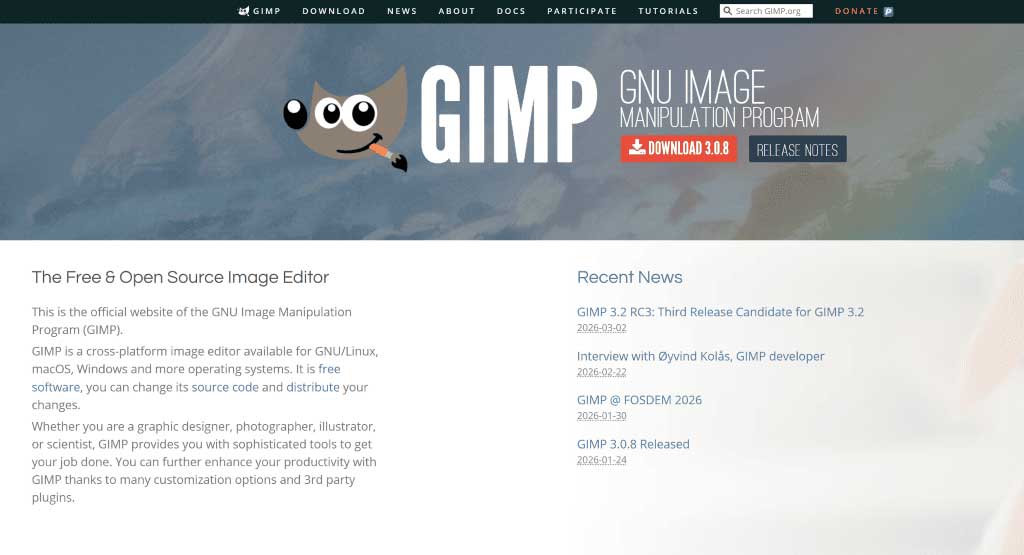
GIMP is a desktop-based editor with advanced features. Although powerful, it has a learning curve. Nevertheless, it rivals paid software in flexibility.
- Pros: Professional tools, open-source
- Cons: Complex interface
- Best for: Advanced users
3. Canva Free
Canva focuses on design simplicity.
It is ideal for social media graphics.
However, photo editing tools are more basic.
- Pros: Easy to use, templates included
- Cons: Limited advanced edits
- Best for: Social media creators
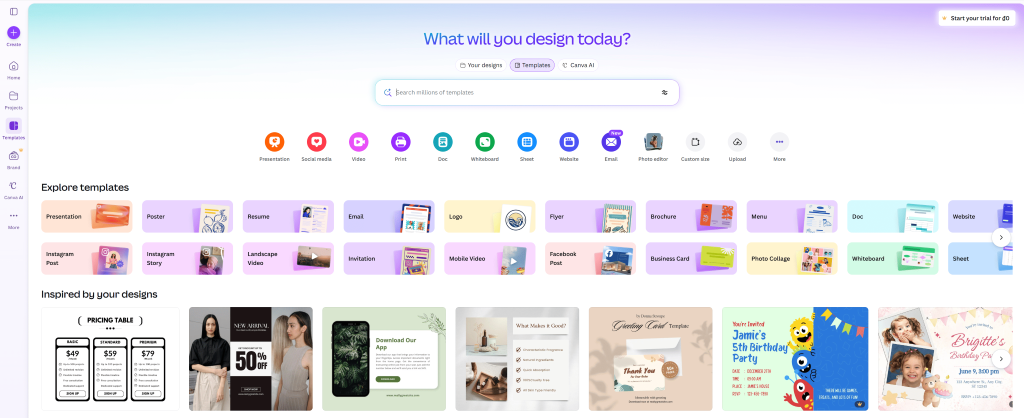
Explore the versatile Canva design platform, offering thousands of customizable graphic design templates for everything from Instagram posts to professional business presentations.
4. Pixlr
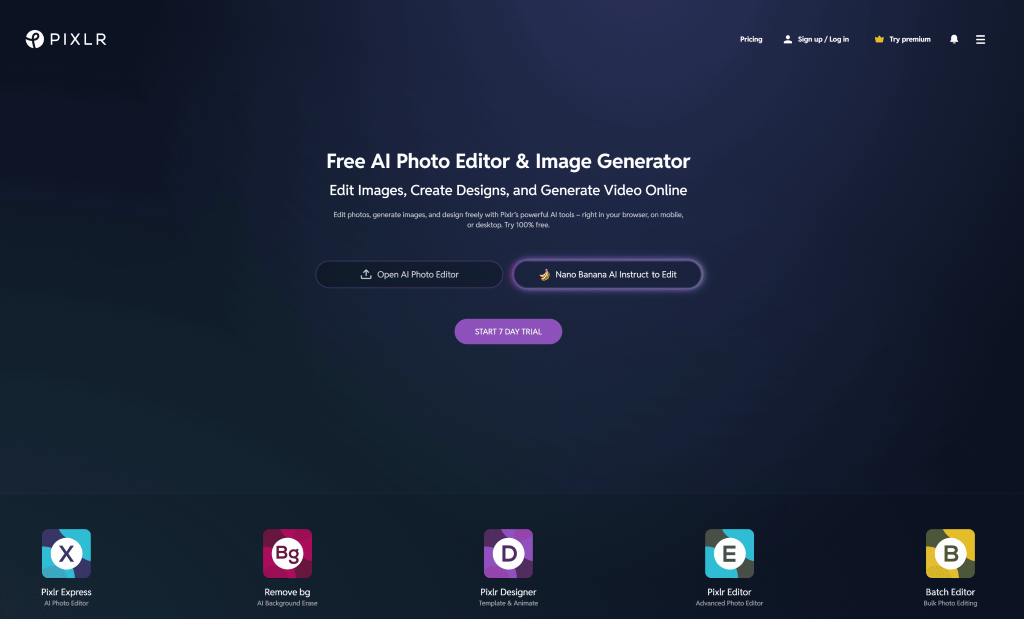
Pixlr works directly in your browser. Therefore, no installation is required. It balances simplicity and power effectively.
5. Photopea
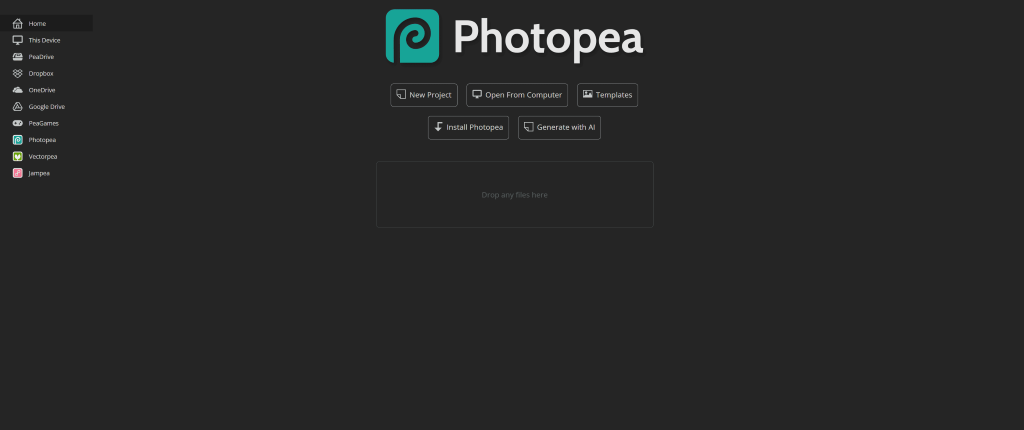
Photopea supports PSD files and layers. As a result, it is excellent for quick professional edits. Still, ads may distract some users.
Best Free Photo Editing App for Different Needs
- For beginners: Canva or Snapseed
- For social media: Canva or Pixlr
- For advanced editing: GIMP or Photopea
- For mobile users: Snapseed
Thus, the best free photo editing app depends on your goal. Choosing wisely improves both speed and results.
Free vs Paid Photo Editing Apps – Is Free Enough?
Free apps now offer impressive features. However, paid apps include premium assets and automation. That said, most users do not need paid tools.
For reliable comparisons, you can reference professional photography resources. Adobe Photography Insights
Tips to Get the Best Results from a Free Photo Editing App
- Always edit with good lighting
- Use filters sparingly
- Export at maximum resolution
- Save original images


Like This Blog? Explore More from Pixel Commerce Studio
Dive into more insights across our most popular categories: